
Turn Film Negatives into Photos
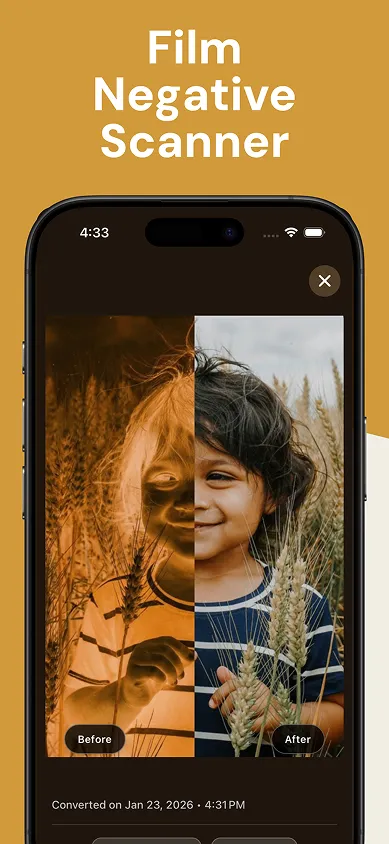
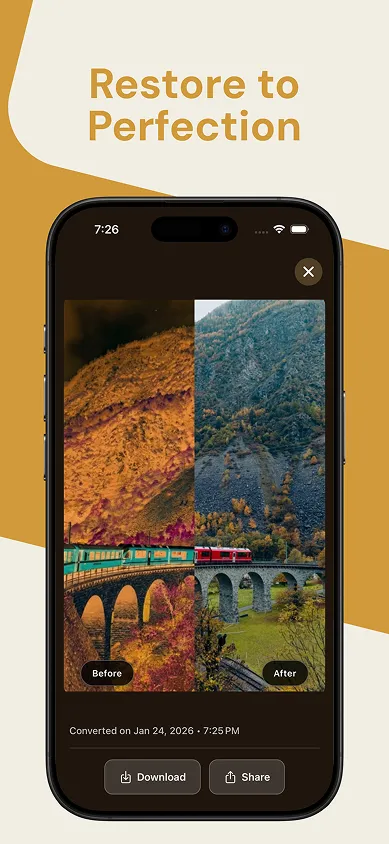
Point your phone at any 35mm or 120 film negative. Posify inverts the colors, removes the orange mask, and gives you a vibrant digital photo in seconds. No scanner, no darkroom, no extra hardware.



Scan film negatives
in three steps
Place negative on a backlight
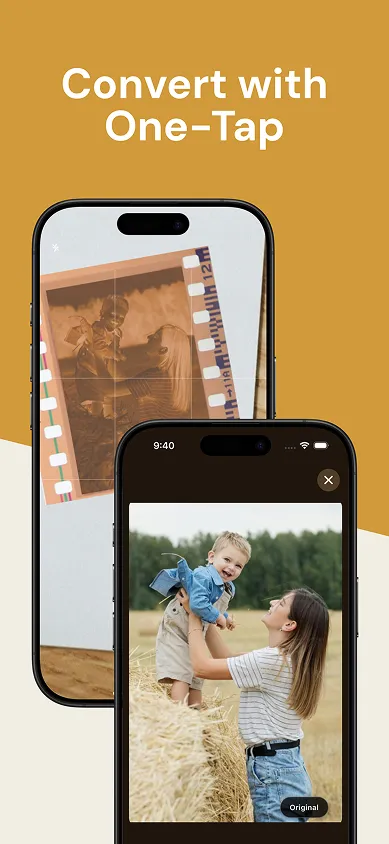
Hold your film negative against any bright white screen: a monitor, tablet, or a second phone works perfectly as a backlight.
Frame and capture
Open Posify and point your camera at the negative. Move until the frame is clearly visible, then tap to capture. Scan one frame at a time.
Tap to enhance
Hit the Enhance button and Posify inverts the negative and restores accurate colors in seconds. Save or share the result directly from the app.
Everything you need to
digitize film negatives
True-to-Life Color Inversion
C-41 film has an orange color mask baked in. Posify removes it automatically for accurate, true-to-life colors.
35mm & 120 Format
Whether you shoot half-frame 35mm or wide medium format, Posify handles both with equal precision.
Just Your Phone
Your phone plus any second screen, like a tablet or laptop, as the backlight. No scanner or adapters to buy.
See it in action
Swipe to see more →
Film scanning questions, answered
How do I digitize film negatives without a scanner?
All you need is your phone and a bright white screen. Hold the negative against a monitor, tablet, or a second phone set to a white screen, open Posify, frame the negative, and tap to capture. Posify inverts it into a finished photo in seconds.
Does Posify work with 120 medium format film?
Yes. Posify supports both 35mm and 120 medium format negatives, including half-frame 35mm. Frame one image at a time and Posify handles the rest.
How does Posify remove the orange mask from color negatives?
C-41 color film has an orange mask built into the film base. Posify detects and removes it automatically, then inverts the image and restores accurate, true-to-life colors. No manual color correction needed.
Do I need special hardware or a light table?
No. There is no dedicated scanner, adapter, or light table to buy. Any bright white screen works as a backlight, so a laptop, tablet, or second phone is all you need.
Does Posify work with black and white negatives?
Yes. Black and white negatives have no orange mask, so Posify simply inverts the tones to give you a clean monochrome photo.
What phones does Posify support?
Posify is available for iPhone on the App Store and for Android phones on Google Play.
Your negatives are full of photos.
Get them out.
Download Posify, hold a negative up to any bright screen, and watch decades of film turn into photos you can save and share.
No account required · No scanner hardware needed